
P-400 is a digital color printer that can read and select images directly from SmartMedia (Smart Media) and PC cards, and print them. Using the mode switching dial, first specify the print mode, then specify the processing method of the print content, and you can perform various types of printing.
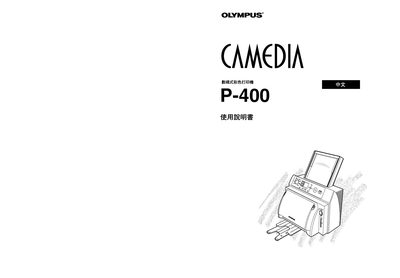
This manual explains how to install, configure, and use the Olympus P-400 printer. It includes safety information, hardware overview, and step‑by‑step procedures for loading media and printing.
Additional sections cover routine maintenance, troubleshooting common issues, and technical specifications of the printer. Contact information for Olympus support is provided at the end of the document.
The printer is manufactured by Olympus Optical Co., Ltd.