
This document describes the deployment guide for IBM Security Guardium Cloud.
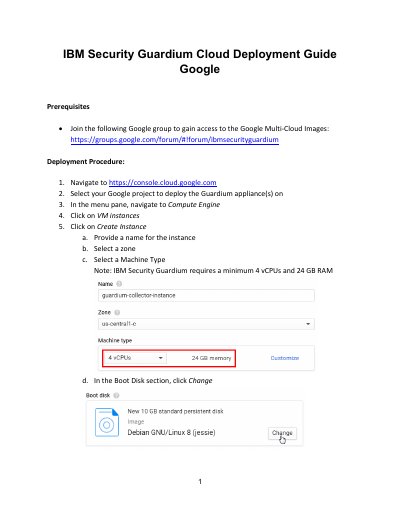
This IBM Security Guardium Cloud Deployment Guide describes prerequisites and deployment steps for Guardium appliance(s) in Google Cloud using Compute Engine VM instances, custom images, and machine type selection.
It also covers firewall rules and ports, VPN access, GUI and CLI login, appliance network configuration commands, and warnings and known limitations for Amazon Cloud and Oracle Cloud Platform.
| Minimum vCPUs and RAM | 4 vCPUs and 24 GB RAM |
|---|---|
| GUI ports | tcp:8443;udp:8443 |
| GIM ports | tcp:8444-8446; tcp:8081 |
| FAM ports | tcp:16022-16023 |
| Unix STAP ports | tcp:16016-16018 |
| Windows STAP ports | tcp:9500-9501 |
| Quick Search ports | tcp:8983; tcp:9983 |
| MySQL ports | tcp:3306 |
IBM Security Guardium requires a minimum of 4 vCPUs and 24 GB RAM.
Open tcp:8443 and udp:8443 to connect to the GUI.
Open https://
Connect with SSH or PuTTY to the Guardium IP.