
EA9000_Profinet Quick Start Manual introduces the installation, wiring and software configuration instructions of EA series IO modules and ProfiNet adapters.
This guide provides step-by-step instructions for installing the EA9000 Profinet adapter and connecting it to an S7-1200 PLC. It covers physical installation, wiring, and software configuration using TIA Portal. The guide assumes the user has engineering experience and includes details on indicator lights and troubleshooting indicators.
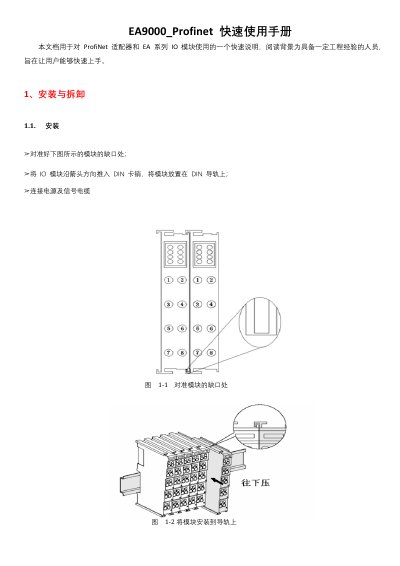
The guide includes diagrams for mounting the module, connecting power and signal cables, and configuring the adapter in TIA Portal. It also explains how to add GSDML files, assign device names, and download configurations to the PLC. This manual is written in Chinese.
14AMG wire is recommended.
A 220V-24V power module is specified.
External overcurrent protection must be added, for example by adding a 5A fuse.
SYS flashes at 1HZ, RUN stays on, and SF and BF are off.