
User guide for EA Power Control software used to remotely control compatible power supplies and electronic loads via USB or Ethernet interfaces.
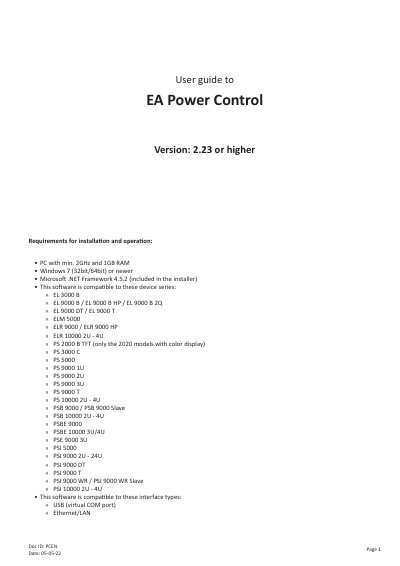
EA Power Control is a Windows software application designed to remotely control one or multiple units of compatible power supplies and electronic loads. It supports connection via digital interfaces, specifically USB (virtual COM port) and Ethernet/LAN. The software requires a PC with a minimum of 2GHz processor and 1GB RAM, running Windows 7 or newer, along with the Microsoft .NET Framework 4.5.2.
| Minimum CPU | 2GHz |
|---|---|
| Minimum RAM | 1GB |
| Operating System | Windows 7 (32bit/64bit) or newer |
| Framework Requirement | Microsoft .NET Framework 4.5.2 |
| Supported Interfaces | USB (virtual COM port), Ethernet/LAN |
The software requires a PC with a minimum of 2GHz processor, 1GB RAM, Windows 7 or newer, and Microsoft .NET Framework 4.5.2.
The software supports control via USB (virtual COM port) and Ethernet/LAN interfaces.
No, the Multi Control feature is not free of charge and requires the prior installation of a license key.