
The TI-PG80 is an industrial-grade Ethernet switch with 8 10/100 Mbps ports and 2 Gigabit ports. It supports multiple mounting options, including desktop, wall, and DIN rail.
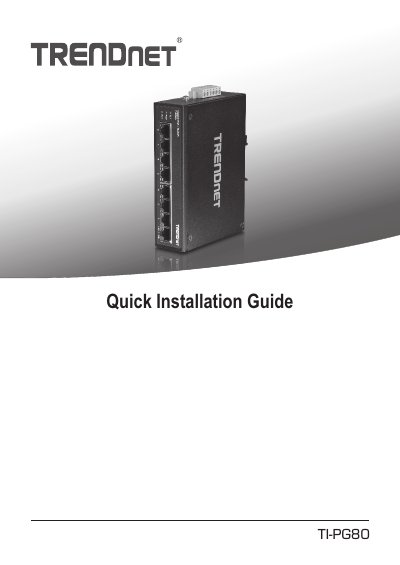
This guide covers installing the TRENDnet TI-PG80 8-Port Hardened Industrial Gigabit PoE+ DIN-Rail Switch, including package contents, desktop, wall, or DIN-rail mounting, and power connection steps.
It also includes safety notes, compliance information, warranty terms, product registration, and technical support contact details.
| Ports | 8 |
|---|---|
| Network speed | Gigabit |
| PoE | PoE+ |
| Power supply voltage | 48 - 56 V DC |
| Mounting options | Desktop, wall, or DIN-rail |
| Recommended power source | TI-S24048 |
The correct power supply voltage is 48 - 56 V DC.
Attach the DIN-rail mount bracket, hook it over the top of the rail, and rotate the switch downward until it locks with a click.
Connect the power supply to the included terminal block, attach the block to the unit, connect the neutral wire to ground, and supply power; polarities must match.
Turn off the power, calculate the maximum possible current in each wire, and observe all electrical codes for wire size.