
This document is the Quick Installation Guide for TU2-H4PC H/W: V1, which provides information on pre-installation preparation, installation steps, and troubleshooting methods.
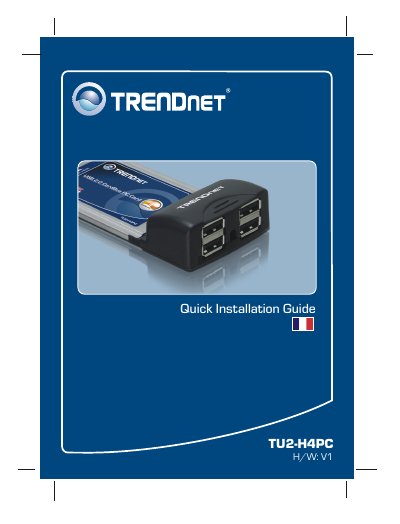
This document is a French-language quick installation guide for the TRENDnet TU2-H4PC H/W PC Card. It details pre-installation considerations such as required software drivers (CD-ROM) and compatible operating systems including Windows 98SE through Vista and Mac OS X versions 10.1 to 10.5. This manual is written in French.
The device requires an AC power adapter that operates at 5V and 2.5A.
TRENDnet provides a 2 Year Limited Warranty for the TU2-H4PC.
Yes, you can connect or disconnect the USB cable or any external USB device while the computer is on because the USB interface is Plug-and-Play and hot-pluggable.