
This document provides instructions for the hardware installation of the TPE-224WS switch and the use of the Web Management Utility.
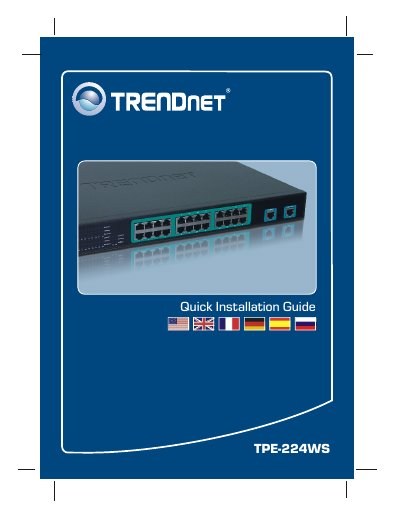
This document provides a quick installation guide for the TRENDnet TPE-224WS Gigabit Web Smart PoE Switch. It details the steps for hardware setup, including connecting the power cord and network cables, and outlines the procedure for installing and configuring the Web Management Utility software.
| Product Type | 6-Port 10/100/1000Mbps Gigabit Web Smart PoE Switch |
|---|---|
| Included Accessories | Power Cord, mounting brackets with screws |
Check the connection of the power cord to the TPE-224WS and the power outlet, and verify that the outlet is receiving power.
Ensure the switch is powered on, connections are secure, and your computer's IP Address is on the same network segment as the TPE-224WS.