
This document describes how to couple two racks together.
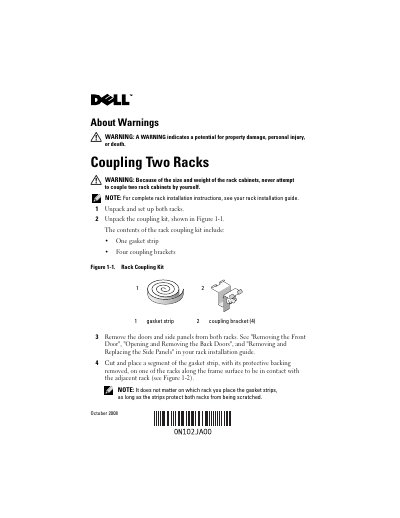
This Dell document explains how to couple two rack cabinets. It warns that the rack cabinets should not be coupled by one person alone because of their size and weight, lists the rack coupling kit contents, and describes installing the gasket strip and four coupling brackets.
The instructions cover positioning the racks side by side, adjusting the leveling feet so the racks are parallel and in the same horizontal plane, and hooking the coupling brackets into square holes near the rack posts. The document notes that complete rack installation instructions are in the rack installation guide. Copyright is 2008 Dell Inc., and the text appears in English, French, German, and Spanish.
| Gasket strip quantity | One |
|---|---|
| Coupling bracket quantity | Four |
| Coupling bracket mounting | Two on the top and two on the bottom |
No. The document warns never to attempt coupling two rack cabinets by yourself because of their size and weight.
Four coupling brackets are installed on the racks.
They hook into the square holes inside and adjacent to the rack posts and are tightened with wing nuts.
No. The document says it does not matter which rack gets the strips as long as both racks are protected from scratches.