
This document provides installation instructions for the Dell EMC PowerEdge M1000e blade server.
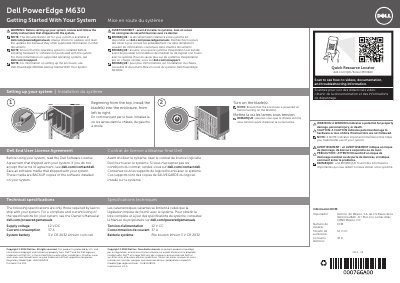
The Dell PowerEdge M630 Installation Guide provides essential instructions for setting up the server blade. It covers the installation process within an enclosure, safety precautions, and licensing agreements.
Users are instructed to install blades into the enclosure from top to bottom and left to right, ensuring the enclosure is powered on before turning on the blades.
| Supply voltage | 12 V DC |
|---|---|
| Current consumption | 37 A |
| System battery | 3 V CR 2032 Lithium coin cell |
Blades should be installed starting from the top, moving from left to right.
The enclosure must be powered on before the blades are turned on.