
The Dell PW7015MC Power Companion Quick Start Guide introduces how to use the product.
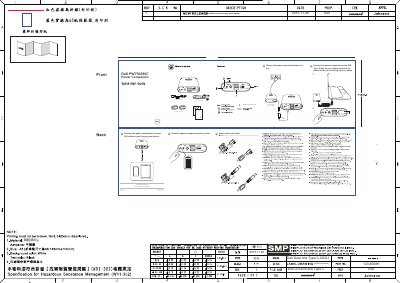
The Dell PW7015MC Power Companion quick start guide lists the included power-in cable, power-out cable, and two ferrite cores. It identifies the power-in port, two USB out ports, two power-out ports, power button/battery-status button, and battery-status light.
It explains charging the companion before first use, connecting it to a laptop's USB Type-C port and pressing the power button to charge the laptop, charging another device through a USB cable, checking battery status, and attaching ferrite cores. It also notes that the power adapter and USB cable are not included and that the companion is compatible with select Dell computers.
| USB out ports | 2 |
|---|---|
| Power-out ports | 2 |
| Ferrite cores included | 2 |
| Power-in cable included | Yes |
| Power-out cable included | Yes |
| Compatibility | Select Dell computers |
Yes, charge the power companion before first use.
Connect it to the USB Type-C port on your laptop and press the power button.
Connect the power companion through a USB cable.
No, they are not shipped with the power companion; use your Dell computer's power adapter.