
The Dell Display Manager User Guide introduces the Dell Display Manager as a Windows application used to manage one or more monitors.
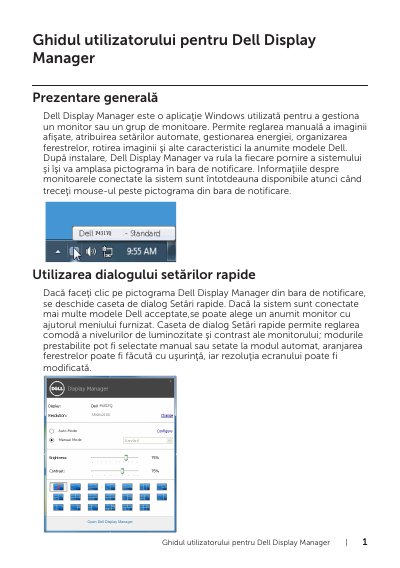
Dell Display Manager is a Windows application from Dell for managing a single monitor or a group of monitors. It allows manual adjustment of the displayed image, assignment of automatic settings, power management, window organization, image rotation, and other features on certain Dell models. After installation it runs at every system startup and places its icon in the notification bar; hovering over the icon shows information about connected monitors.
The guide explains the Quick Settings dialog, basic display settings, assigning automatic preset modes to applications, and arranging monitor windows. It also covers hotkey setup for PBP Underscan and PBP Zoom, with notes that these two functions cannot be used simultaneously and that OSD functions are unavailable after Zoom until Zoom Out is used.
It is a Windows application used to manage one monitor or a group of monitors.
It runs at every system startup and places its icon in the notification bar.
Drag the application from the desktop, Windows Start menu, or elsewhere and pin it to the current list.
No. The guide states they cannot be used simultaneously.