
Dell Latitude 12 7000 Series Quick Start Guide

Dell Latitude 12 7000 Series Quick Start Guide.
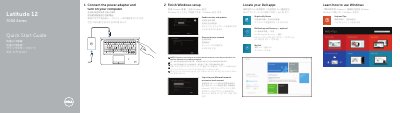

Dell Latitude 12 7000 Series Quick Start Guide - cover page
Brand
DELL
Category
Laptops
Document type
Quick Start Guide
Language
English
Pages
2
File format
PDF
File size
546 KB
Published
26 November, 2023
Updated
26 November, 2023
MD5 checksum
6AAE62C5FE673437EA60C334E410339E

About this manual

The Dell Latitude 12 7000 Series Quick Start Guide provides essential instructions for setting up the computer, including connecting power, completing Windows setup, and configuring network and account settings.

It also includes a detailed map of the device's hardware features, identifying various ports, indicators, and optional components such as the fingerprint reader and smart-card reader.

What's inside

  • Connect the power adapter
  • Finish Windows setup
  • Enable security and updates
  • Connect to your network
  • Features

Specifications

Regulatory modelP22S
Regulatory typeP22S002
Computer modelLatitude 7250/E7250

Frequently asked questions

What should I do if I connect to a secured wireless network?

Enter the password for the wireless network access when prompted.

What should you do first to set up the computer?

Connect the power adapter and turn on your computer.

What should you enter if you connect to a secured wireless network and are prompted?

Enter the password for the wireless network access when prompted.

What type of USB connector includes PowerShare?

It is a USB 3.0 connector with PowerShare.

Download PDF (546 KB)

More DELL Manuals


View all DELL manuals →