
Dell Management Console provides a central point of access to monitor and manage systems on a local area network (LAN) or the wide area network (WAN). By providing administrators a comprehensive view across the enterprise, Dell Management Console can increase system uptime, reduce repetitive tasks, and prevent interruption in critical business operations.
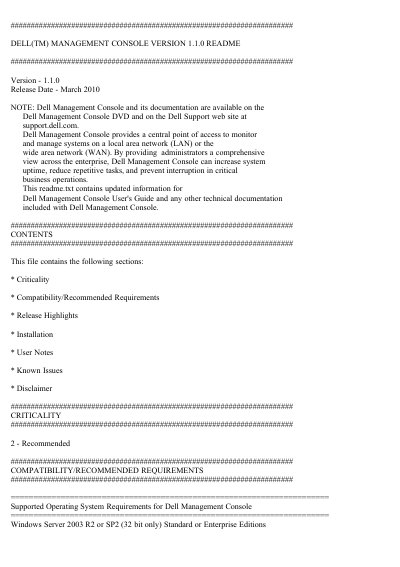
This document is the README for Dell Management Console version 1.1.0, a software product for monitoring and managing systems across a LAN or WAN. It summarizes compatibility and recommended requirements, release highlights, installation points, and upgrade points.
The provided text includes supported operating systems, recommended hardware configurations, additional software requirements, SQL Server guidance, and new features such as power monitoring and Lifecycle Controller enabled updates.
| Supported operating system | Windows Server 2003 R2 or SP2 (32 bit only), Standard or Enterprise Editions |
|---|---|
| Recommended minimum processors | 2 physical processors |
| Recommended minimum memory | 4 GB RAM |
| Recommended browser | Internet Explorer 7.0 or 8.0 |
| Additional storage software | FLARE version 26 or later and Navisphere Secure CLI version 26 or above |
| SQL Server requirement | SQL Server 2005 SP1, SP2, or SP3 for the default database |
Windows Server 2003 R2 or SP2 (32 bit only), Standard or Enterprise Editions.
It includes 2 physical processors, 4 GB RAM, a DVD drive, Microsoft .NET 3.5, IIS 6.0, supported SQL Server, and Internet Explorer 7.0 or 8.0.
The release includes power monitoring for Dell servers, Lifecycle Controller enabled updates, inventory support for EqualLogic devices, and new device support.
The criticality level is 2, Recommended.