
The Dell™ Inspiron™ N4020/N4030 laptop is a stylish, thin, and portable laptop that features an Intel Core i3 processor, a 14-inch HD display, and support for Bluetooth and wireless networking.
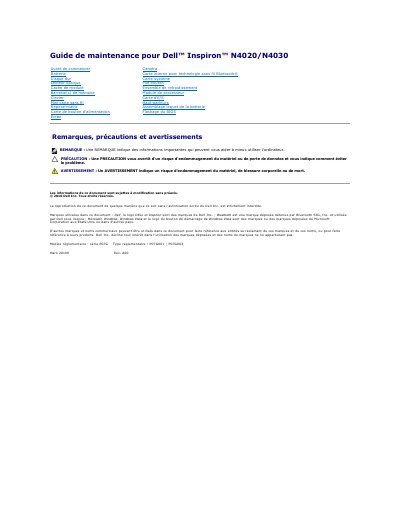
This service manual for the Dell Inspiron N4020/N4030 laptop provides removal and installation instructions for internal components, including the battery, hard drive, optical drive, module cover, memory modules, keyboard, wireless mini-card, palm rest, display, camera, system board, coin-cell battery, cooling assembly, processor module, I/O board, speakers, and battery latch assembly. It also covers BIOS flashing.
The guide begins with recommended tools and procedures for turning off the computer and working safely inside it. It includes notes, cautions, and warnings about data loss, hardware damage, and personal safety, and states that only an authorized service technician should repair the computer. This manual is written in French.
| Regulatory model series | P07G series |
|---|---|
| Regulatory type | P07G001; P07G003 |
It provides removal and installation instructions for the computer's components.
A small flat-blade screwdriver and a Phillips screwdriver.
The main battery should be removed before working inside.
Only an authorized service technician should perform repairs.