
Dell Display Manager is a Windows application used to manage a monitor or a group of monitors.
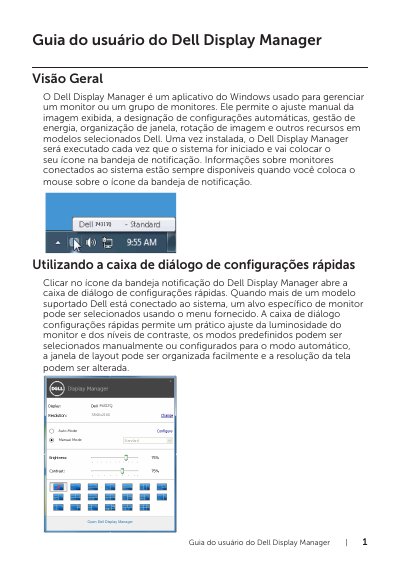
Dell Display Manager is a Windows application for managing a monitor or a group of monitors on selected Dell models. It supports manual image adjustment, automatic settings, power management, window organization, image rotation, and other features. After installation, it runs at system startup and places an icon in the notification tray.
The Quick Settings dialog is opened from the tray icon and provides brightness, contrast, preset, window layout, and screen resolution controls. The advanced interface includes basic display functions, Auto Mode preset assignments, Easy Arrange on supported models, and Underscan and Zoom shortcut settings for supported PBP features. This manual is written in Portuguese.
| Supported platform | Windows |
|---|---|
| Startup behavior | Runs when the system starts |
It is a Windows application used to manage a monitor or a group of monitors.
Click the Dell Display Manager notification tray icon.
It applies a preferred preset automatically when specific applications are active.
Yes, Underscan PBP and Zoom PBP can be used together.