
The Dell PowerConnect W-IAP3WN and W-IAP3WNP are single-band, single-radio wireless access points (APs) that meet the high-performance WLAN IEEE 802.11n standard. These access points provide 2.4 GHz 802.11n capability and concurrent support for legacy 802.11 a/b/g standard wireless services using MIMO (Multiple In, Multiple Out) technology and other high-performance transmission techniques.
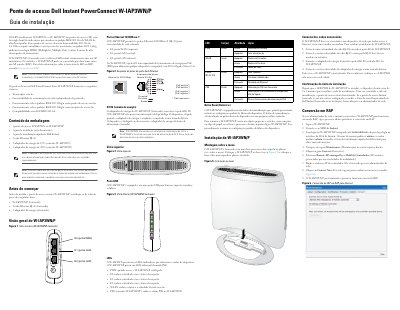
This installation guide describes the Dell PowerConnect W-IAP3WN/P Series single-band wireless access points. It covers package contents, the three 10/100Base-T Ethernet ports, LEDs, the reset button, desktop mounting, cable connections, and how to confirm that the device has completed its boot cycle.
It also explains that the access points ship as Dell Instant APs and can be converted to remote AP mode when directed by a network administrator. The guide notes the required software for instant and remote AP operation and lists basic electrical specifications, including power adapter voltages and PoE compatibility. This manual is written in Portuguese.
| Wireless standard | IEEE 802.11n |
|---|---|
| Wireless modes | IEEE 802.11b/g/n |
| MIMO | MIMO transmission technology |
| PoE compatibility | IEEE 802.3af PoE |
| Ethernet ports | Three 10/100Base-T RJ-45 ports |
| Power adapter, W-IAP3WN | 12 V DC adapter |
| Power adapter, W-IAP3WNP | 48 V DC adapter |
| USB port | USB port for cellular modems |
| Reset button | Factory reset button |
| Boot cycle | About 2 to 3 minutes |
| Instant AP software | Dell Instant 3.1 |
It has three Ethernet 10/100Base-T RJ-45 ports: E0 for WAN, E1 for LAN, and E2 for LAN.
Press the reset button while powering on the device.
Dell Instant 3.1 is required.
It takes about 2 to 3 minutes to complete the boot cycle.