
The Dell Latitude 3380 Quick Start Guide provides instructions on how to set up and use the Dell Latitude 3380 laptop.
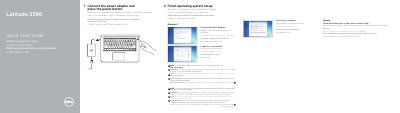
The Dell Latitude 3380 Quick Start Guide provides basic instructions for setting up the laptop, including connecting power, configuring the operating system, and connecting to a network.
It also includes a detailed map of the device's hardware features, such as ports, buttons, and indicators.
SIM card installation instructions are located in the Owner's Manual at Dell.com/support.
Connect the power adapter and then press the power button.
Enter the password for the wireless network access when you are prompted to do so.
Instructions for SIM card installation are located in the Owner’s Manual at Dell.com/support.