
The Dell EMC DSS 8440 Getting Started Guide introduces the features and characteristics of the product.
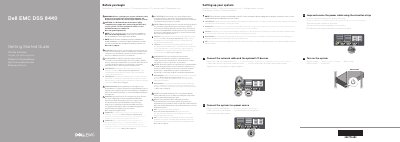
This Getting Started Guide for the Dell EMC DSS 8440 is a short setup document printed in English, Czech, Greek, Polish, Serbian and Turkish. It opens with warnings to read the Safety, Environmental, and Regulatory Information document before setting up the system, and a caution to use Extended Power Performance (EPP) compliant power supply units identified by the EPP label.
The guide then walks through the initial setup steps: making sure the system is installed and secured in a rack, connecting the network cable and optional I/O devices, connecting the system to a power source, looping and securing the power cable with the retention strap, and turning on the system. It also notes that the operating system should be installed before adding hardware or software not purchased with the system, and points to Dell.com/poweredgemanuals and Dell.com/ossupport for the full documentation set and supported operating systems.
The guide says to use Extended Power Performance (EPP) compliant power supply units, which are indicated by the EPP label on the system.
The documentation set for the system is available at Dell.com/poweredgemanuals, and the guide advises checking it for the latest updates.
Yes, the guide states that the operating system must be installed before installing hardware or software not purchased with the system.
Setup step 3 instructs you to loop and secure the power cable using the retention strap.