
The Dell™ E-Port User’s Guide provides information on how to set up and use the E-Port.
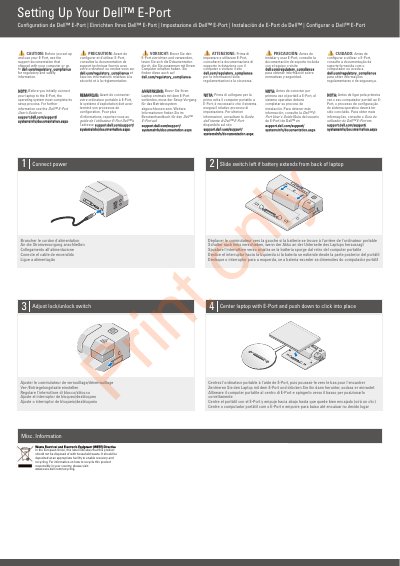
The Dell E-Port Quick Start Guide provides setup instructions for the Dell E-Port, including connecting power, positioning the laptop, and adjusting the lock/unlock switch. It also contains regulatory and safety information and refers to the Dell E-Port User’s Guide on support.dell.com.
The guide illustrates the E-Port’s controls and connectors, such as the battery bar adjuster, power button, eject button, security cable slot, network, audio, USB, AC adapter, Display Port, DVI, VGA, eSATA, and E-Monitor Stand connectors.
The operating system must complete its setup process.
See the support documentation that shipped with your computer or visit the Dell regulatory compliance website.
Slide the switch to the left.