
The Dell B2360d-dn Laser Printer User's Guide provides information on how to set up, use, and maintain the printer.
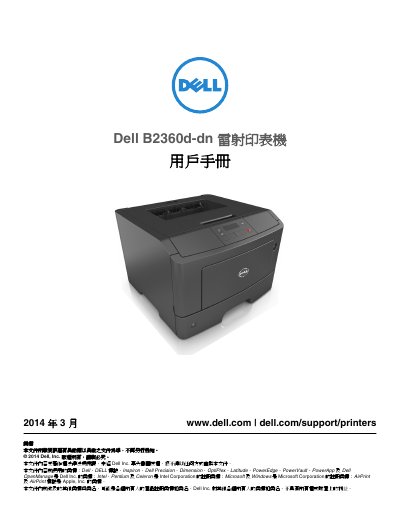
This is the Traditional Chinese user's guide for the Dell B2360d-dn laser printer, dated March 2014 and published by Dell Inc. It walks through safety information, choosing a location for the printer, initial configuration, and use of the control panel and the Embedded Web Server.
The guide then covers installing optional internal and hardware components, connecting cables, loading paper and specialty media, printing, the printer menus, saving paper and toner, maintaining the printer, managing the printer, clearing jams, and troubleshooting printer and print problems. It closes with an appendix and an index. This manual is written in Chinese.
| Standard tray capacity | 250 sheets |
|---|---|
| Optional tray capacity | 550 sheets |
| Multipurpose feeder capacity | 50 sheets |
| Operating temperature | 16 to 32 °C (60 to 90 °F) |
| Storage temperature | -20 to 40 °C (-4 to 104 °F) |
| Clearance at right side | 300 mm (12 in) |
| Clearance at front | 510 mm (20 in) |
The printer has a standard 250-sheet tray, an optional 550-sheet tray, and a 50-sheet multipurpose feeder.
The guide gives an operating temperature range of 16 to 32 °C (60 to 90 °F).
Dell directs users to its support website at www.dell.com/support/printers for documentation, drivers, and support contact details.