
The Dell B2360d-dn Laser Printer User's Guide provides information on how to set up, use, and maintain the printer.
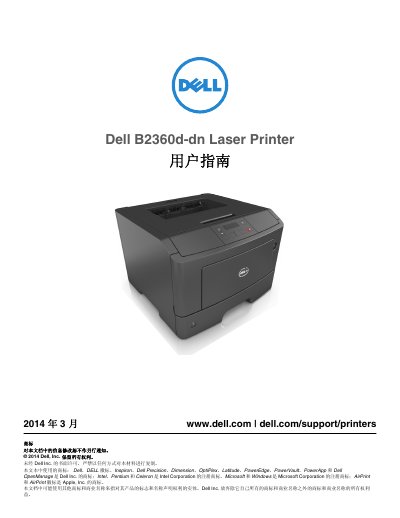
This is the Chinese user's guide for the Dell B2360d-dn laser printer, dated March 2014. It starts with safety information and an overview of the printer, then covers setup, use of the printer control panel, the Embedded Web Server, loading paper, and printing.
The guide also covers printer menus, maintenance and supplies, printer management, clearing jams, troubleshooting, an appendix, and an index. It includes recommended placement temperatures and input tray capacities. This manual is written in Chinese.
| Standard input tray capacity | 250 pages |
|---|---|
| Optional input tray capacity | 550 pages |
| Multipurpose feeder capacity | 50 pages |
| Recommended operating temperature | 16 to 32 °C (60 to 90 °F) |
| Sleep mode delay range | 1 to 120 minutes |
| Default sleep mode delay | 30 minutes |
The factory default Sleep mode delay is 30 minutes.
The Sleep mode delay can be set from 1 to 120 minutes.
The recommended ambient temperature is 16 to 32°C (60 to 90°F).
The standard input tray holds 250 pages.