
Dell Display Manager is a Microsoft Windows application used to manage a monitor or group of monitors.
Dell Display Manager is a Microsoft Windows application used to manage a Dell monitor or group of Dell monitors. It provides manual image adjustment, automatic preset mode assignment, power management, window organization, image rotation, and other functions on selected Dell monitors.
After installation, it runs at system startup and places an icon in the notification tray. The guide covers Quick Setup, basic screen functions, Auto Mode, Easy Arrange, multiple video inputs, restoring application positions, PowerNap options, and troubleshooting. This manual is written in Spanish.
No. DDM only works with Dell brand monitors.
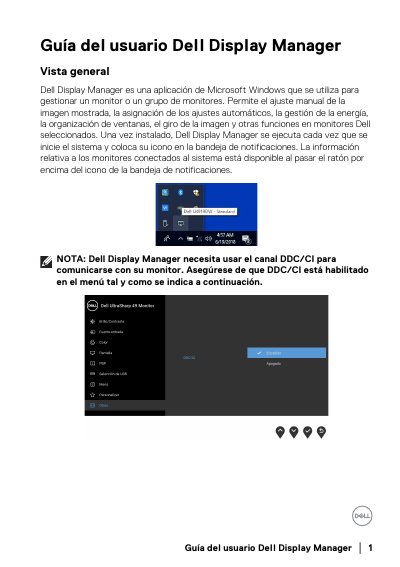
DDC/CI must be enabled in the monitor menu.
Drag the application from the desktop, Windows Start menu, or another location and drop it into the current list.
Yes, if Auto-restore window positions is selected; DDM does not start applications.