
The Latitude 3380 Quick Start Guide provides information on how to set up and use the Latitude 3380 laptop.
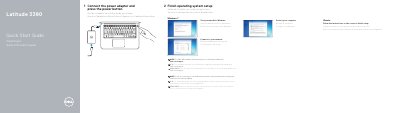
This quick start guide covers initial setup of the Dell Latitude 3380, including setting a Windows password, connecting to a network, Ubuntu setup, protecting the computer, connecting the power adapter, and finishing operating system setup.
It also identifies the laptop's external features, such as USB 3.0 ports, an HDMI port, a network port, a microSD card reader, and a service tag label, and lists product support, manuals, and regulatory information.
| Regulatory model | P80G |
|---|---|
| Regulatory type | P80G001 |
| Computer model | Latitude 3380 |
| USB 3.0 ports | USB 3.0 ports |
| USB 3.0 port with PowerShare | USB 3.0 port with PowerShare |
| HDMI port | HDMI port |
| Network port | Network port |
| microSD card reader | microSD card reader |
Dell lists product support and manuals at Dell.com/support, Dell.com/support/manuals, Dell.com/support/windows, and Dell.com/support/linux.
Enter the password for the wireless network access when prompted.
The service tag label is item 17 in the Features list.
The regulatory model is P80G.