
The Dell Networking W-IAP205H Instant Access Point is a high-performance dual-radio wireless and wired Instant Access Point ideal for branch office installations such as hotels or offices. The device combines high-performance wireless mobility with Gigabit wired local access to provide secure network access in environments such as dormitories, hotel rooms, hospital clinics, and multi-story building environments.
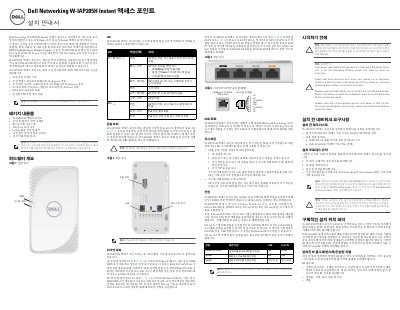
This document is the installation guide for the Dell Networking W-IAP205H Instant Access Point. It is designed for dual-radio wireless and wired instant access point deployment in environments such as hotels, hospital rooms, and multi-story buildings. The guide provides instructions on mounting the device, connecting network cables, and configuring power settings. This manual is written in Korean.
| Wireless Standards | IEEE 802.11a/b/g/n/ac |
|---|---|
| PoE Support | 802.3af/at |
| DC Power Input | 148VDC |
The device supports PoE-in via the E0 port (802.3at or 802.3af) or a separate AC-DC adapter (AP-AC-48V36).
Yes, the E3 port supports PoE-out, providing up to 10W of power when the AP is in 802.3at mode.