
This document provides a quick start guide to HP notebook computers, including the features and appearance of the computer.
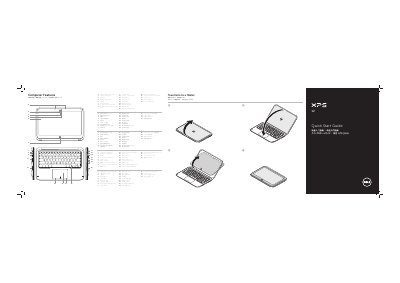
This Quick Start Guide is for the Dell XPS 9Q23 computer. It lists computer features such as digital array microphones, a camera, an ambient-light sensor, a display, speakers, a touchpad, a backlit keyboard, USB 3.0 ports, a Mini-DisplayPort, and a power-adapter port.
The guide also explains function keys for switching to an external display, turning wireless on or off, adjusting brightness and volume, playing media, and connecting the power adapter. It includes getting started information for Windows 8 and regulatory details for Mexico.
| Regulatory model | P20S |
|---|---|
| Computer model | XPS 9Q23 |
| Input voltage | 100 V CA–240 V CA |
| Input current maximum | 1.30 A |
| Output voltage | 19.50 V CC |
| Output current | 2.31 A |
The regulatory model is P20S.
The input voltage is 100 V CA–240 V CA.
Users can go to dell.com/ContactDell.