
A quick start guide for HP computers, introducing the parts and functions of the computer.
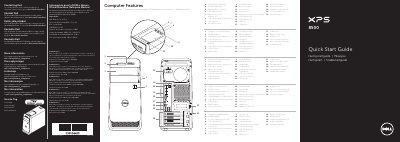
Quick Start Guide for the Dell XPS 8500 computer. The document lists the computer's ports and features, including the media-card reader, optical-drive covers, USB ports, audio ports, power button, network port, VGA and HDMI ports, expansion-card slots, and security-cable slot. It also gives regulatory model D03M, type D03M005, and notes the guide was printed in China in July 2012.
The setup section shows how to connect the keyboard and mouse, an optional network cable, the power cable, and a display using VGA, DVI, HDMI, or DisplayPort connections. It then covers completing Windows setup, enabling security, contacting Dell, and finding regulatory and safety information.
| Computer model | XPS 8500 |
|---|---|
| Regulatory model | D03M |
| Type | D03M005 |
| Input voltage | 100 V AC –240 V AC |
| Input current (maximum) | 1.70 A |
| Input frequency | 50 Hz–60 Hz |
| Expansion-card slots | 4 |
| Audio ports | 6 |
The guide covers the Dell XPS 8500 computer.
The regulatory model is D03M and the type is D03M005.
The listed input voltage is 100 V AC to 240 V AC.
Connect the display to the port on the optional discrete graphics card.