
Dell Precision Mobile Workstation 7000 Series Quick Start Guide
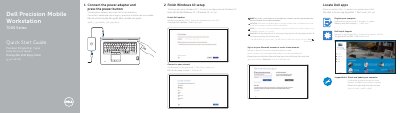
This guide helps you power on and set up your Dell Precision Mobile Workstation 7710. It includes steps to connect power, complete Windows 10 setup, and register your computer. The workstation features a microphone, camera, USB 3.0 ports, HDMI, and a touchpad for everyday use.
The guide also lists all physical ports and indicators, including optional components like fingerprint reader and smartcard readers. It supports multiple languages and includes Dell Help & Support resources for further assistance.
Connect the power adapter and press the power button.
The guide includes translations in multiple languages including Indonesian, Spanish, French, Chinese, and Arabic.
The model number is Dell Precision -7710.