
The Dell Precision 3510 Quick Start Guide provides information on how to use the Dell Precision 3510 laptop.
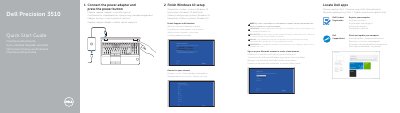
This document serves as a quick start guide for the Dell Precision 3510 mobile workstation. It provides multilingual instructions for initial setup, including connecting the power adapter, completing the Windows 10 setup process, and connecting to a network. The guide also details how to register the computer and check for updates using Dell SupportAssist. This manual is written in Czech.
| Regulatory model | P48F |
|---|---|
| Regulatory type | P48F001 |
| Computer model | Dell Precision -3510 |
| Operating System | Windows 10 |
Enter the password for the wireless network access when prompted.
Visit Dell.com/support or Dell.com/support/manuals.