
Dell Vostro 15 3000 Series Laptop Quick Start Guide.
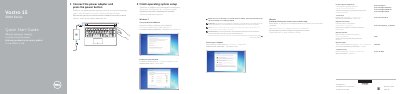
This Dell Quick Start Guide is for the Vostro 15-3565 laptop. It explains how to connect the power adapter, press the power button, and access Dell product support and manuals online.
The guide also covers finishing operating system setup for Ubuntu and Windows 7, setting a Windows password, connecting to a network, and protecting the computer. It lists the laptop's features and shortcut keys for audio, display, wireless, and other functions.
Connect the power adapter and press the power button.
Visit Dell.com/support, Dell.com/support/manuals, and related Dell support pages.
Follow the instructions shown on the screen to complete setup.