
DellTM PowerConnectTM 2708, 2716 and 2724 Web-Managed Mode
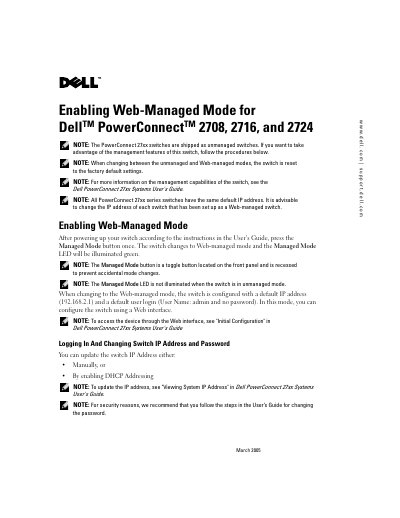
This Dell document explains how to enable Web-managed mode on PowerConnect 2708, 2716, and 2724 switches. It notes that the switches ship as unmanaged switches and that changing between unmanaged and Web-managed modes resets the switch to factory default settings. The document is dated March 2005 and provides the instructions in English, Chinese, French, and German.
The guide describes pressing the recessed Managed Mode button, the green Managed Mode LED, the default IP address 192.168.2.1, and the default user name admin with no password. It also covers updating the switch IP address manually or by enabling DHCP addressing, and includes a table comparing default unmanaged and managed configurations.
| Default IP Address | 192.168.2.1 |
|---|---|
| Default User Name | admin |
| Default Password | No password |
| DHCP Default | Disabled |
| Managed Mode LED | Green |
| Unmanaged Mode LED | Off |
After powering up the switch, press the recessed Managed Mode button once. The switch changes to Web-managed mode and the Managed Mode LED turns green.
The switch is configured with the default IP address 192.168.2.1.
The switch is reset to the factory default settings.
You can update it manually or by enabling DHCP addressing.