
The Dell™ Inspiron™ N5020/M5030/N5030 Notebook Maintenance Manual highlights the features and characteristics of the products.
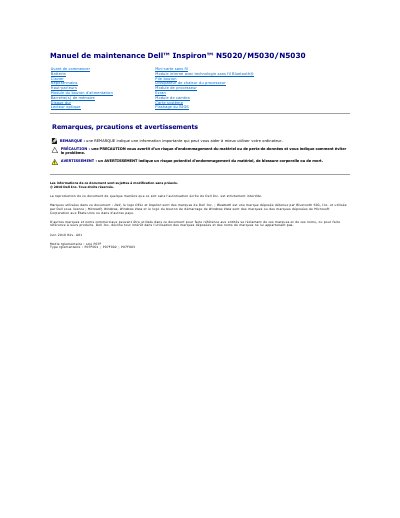
This French-language maintenance manual covers the Dell Inspiron N5020, M5030 and N5030 notebooks. It provides removal and installation procedures for major components, from the battery and keyboard to the system board and display.
It also explains how to turn off the computer, work safely inside it, and flash the BIOS using files from support.dell.com. This manual is written in French.
| Regulatory model series | P07F |
|---|---|
| Regulatory model types | P07F001; P07F002; P07F003 |
The manual lists a small flat-blade screwdriver, a Phillips screwdriver, a plastic scribe, and the BIOS update program available from support.dell.com.
Go to support.dell.com/support/downloads, locate the BIOS update file for your computer, download it, and double-click the downloaded file to follow the on-screen instructions.
The service tag is located on the label underneath the computer.
Turn off the computer and connected devices, disconnect telephone and network cables, remove the battery, and ground the system board.