
The Dell Mobile Broadband Card User's Guide provides information on how to use the Dell Mobile Broadband Card. The guide includes the following sections: Introduction, Quick Start, Using the Dell Mobile Broadband Card Utility, SIM Card Information, Frequently Asked Questions, Troubleshooting, Safety Information, Technical Specifications, Glossary, and Regulatory.
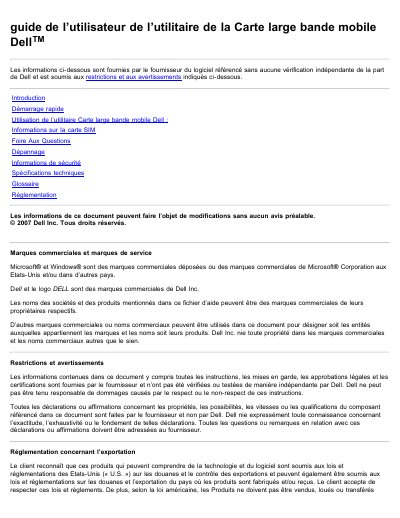
This French-language user guide describes the Dell Mobile Broadband Card utility and how it is used with a Dell laptop and mobile broadband card. It explains starting the utility, activating the card and SIM, connecting to the network, and using connection profiles, SMS messages, email, and diagnostics.
The guide also includes SIM card information, an FAQ, troubleshooting, safety information, technical specifications, a glossary, and regulatory information. It notes that the software information was supplied by the software provider and was not independently verified by Dell. This manual is written in French.
According to the guide, it can be used anywhere GPRS or UMTS 3G service is available.
Click the Connect button. Once connected, the button changes to Disconnect.
No. The guide says the SIM card does not support hot replacement, and the laptop must be off before installing or removing it.
Yes. The guide says the utility can diagnose connection problems.