
The Dell WB7022 webcam is the newest addition to Dell’s line of peripherals and features the following characteristics: 4K 30fps video and Full HD 60fps video; AI auto framing; 5x digital zoom; adjustable field of view with autofocus; High Dynamic Range (HDR) and video noise reduction support.
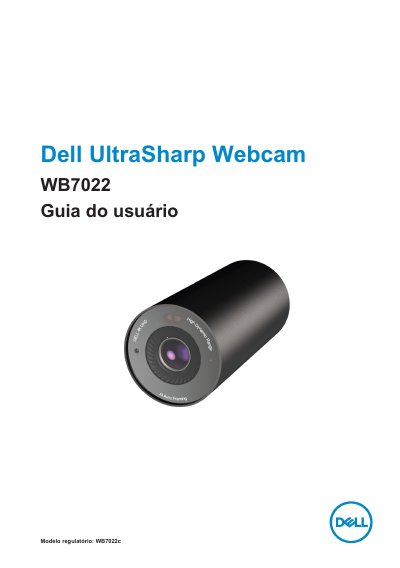
The Dell WB7022 UltraSharp Webcam is a Dell peripheral offering 4K video at 30 fps, Full HD at 60 fps, AI auto-framing, 5x digital zoom, adjustable field of view, HDR, and Windows Hello support.
This user guide explains how to install the webcam on a monitor or tripod, lists box contents, describes Dell Peripheral Manager setup, and provides troubleshooting and warranty information. This manual is written in Portuguese.
| Video resolution | 4K at 30 fps and Full HD at 60 fps |
|---|---|
| Digital zoom | 5x |
| Cable | USB-C to USB-A (USB 3.1 Gen 1, 2 m) |
Connect the USB-C cable to the webcam, attach the stand, clip it to the monitor edge, press the base toward the monitor, remove the lens cap, and connect the USB-A end to a USB 3.0 port.
No. Auto-framing stops at 60 fps to prevent resolution loss and is supported only at 24 or 30 fps.
No, Dell Peripheral Manager is not supported on Windows computers based on ARM.
The Dell WB7022 webcam has a limited 3-year hardware warranty.