
The Dell™ PowerVault™ LTO4-120 Tape Drive User's Guide describes the features and specifications of the tape drive.
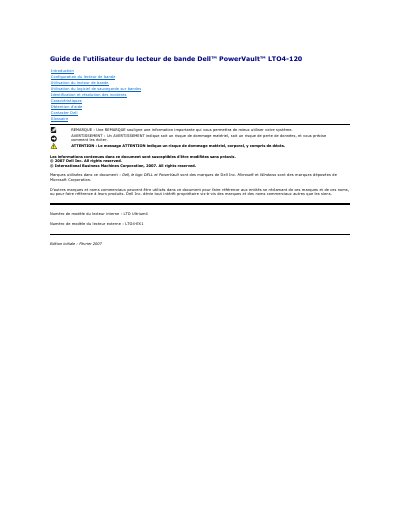
This is the French-language user guide for the Dell PowerVault LTO4-120 tape drive. The table of contents lists introduction, tape drive setup, tape drive use, tape backup software use, troubleshooting, specifications, getting help, contacting Dell, and a glossary.
The extracted pages include the document title, copyright and trademark notices, model numbers for the internal and external drives, and Dell contact information by country. Detailed installation and operating procedures are not included in these pages. This manual is written in French.
| Internal drive model number | LTO Ultrium4 |
|---|---|
| External drive model number | LTO4-EX1 |
The internal drive model number is LTO Ultrium4.
The external drive model number is LTO4-EX1.
It lists introduction, tape drive setup, tape drive use, tape backup software use, troubleshooting, specifications, getting help, contacting Dell, and a glossary.