
Dell Adapter - USB 3.0 to HDMI/VGA/Ethernet/USB 2.0 User Guide
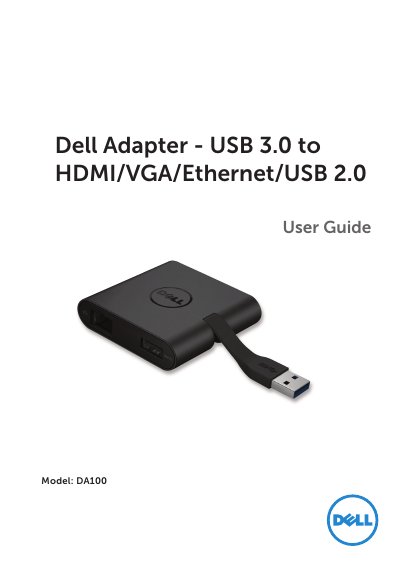
The Dell DA100 is a USB 3.0 adapter that provides HDMI, VGA, Gigabit Ethernet, and USB 2.0 outputs from a single upstream USB 3.0 input.
This user guide covers quick setup, software download, Windows 7/8/8.1 installation, DisplayLink Manager menu options, Fit to TV configuration, troubleshooting, and regulatory information.
| Upstream Input | USB 3.0 |
|---|---|
| Downstream Outputs | USB 2.0, HDMI, VGA, Gigabit Ethernet |
| HDMI Resolution | 2048 x 1152 max / 60 Hz |
| VGA Resolution | 1920 x 1080 max / 60 Hz |
| Processor Requirement | Dual Core Intel CPU 2 GHz or better |
| Operating System | Windows OS (Win 7, 8, 8.1) 32/64 bits |
| Max Operating Temperature | 40 oC |
It supports Windows OS (Win 7, 8, 8.1) 32/64 bits.
The maximum operating temperature is 40 oC.
No, it supports a single video output capability with the choice of two ports: 1 x HDMI or 1 x VGA.
Download the software driver from http://www.dell.com/support/.