
The Dell OptiPlex SFF 980 All-in-One Base is a unique solution that integrates monitor, system, and cable management to fit any environment.
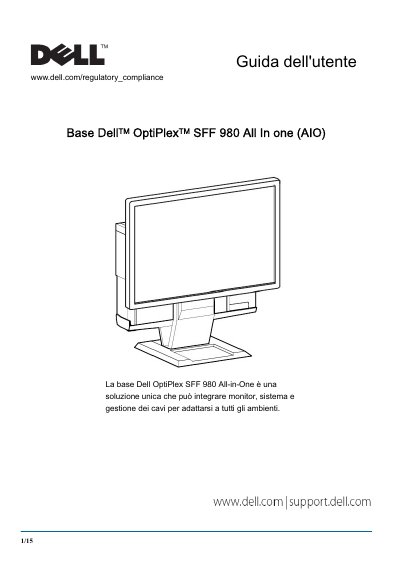
The Dell OptiPlex SFF 980 All-in-One Base User's Guide is an Italian-language document for the Dell AIO base. It explains danger symbols and identifies the base parts, including monitor mounting, cable cover, 360° swivel base, handle, Kensington slot, release switch, and cable routing features.
It describes installation steps for attaching a Dell monitor and OptiPlex SFF 980 system, connecting VGA/DVI, USB, and power cables, and locking the cable cover. It also covers component removal, movement range, physical dimensions, weight capacity, temperature limits, and where to find safety, warranty, and regulatory information. This manual is written in Italian.
| Height | 16.8 in (429 mm) |
|---|---|
| Depth | 10.1 in (255.6 mm) |
| Width | 16.9 in (430.2 mm) |
| Weight | 11.5 lb (5.2 kg), excluding monitor and system |
| Monitor weight capacity | ≤ 10.1 lb (4.6 kg) |
| System weight capacity | ≤ 13 lb (5.9 kg) |
| Operating temperature | 32°F to 104°F (0°C to 40°C) |
| Storage temperature | -4°F to 140°F (-20°C to +60°C) |
| Security slot | Accepts standard Kensington Slim MicroSaver |
The document lists Dell monitors P190S, 1909W, and P2210.
The listed components are the AIO base, cable cover, VGA cable, DVI cable, USB cable, and power cable.
It must be placed on a flat and stable surface.
Slide the switch on the rear of the base to release the system.