
The Dell™ 3130cn Color Laser Printer User's Guide describes how to use the Dell™ 3130cn Color Laser Printer.
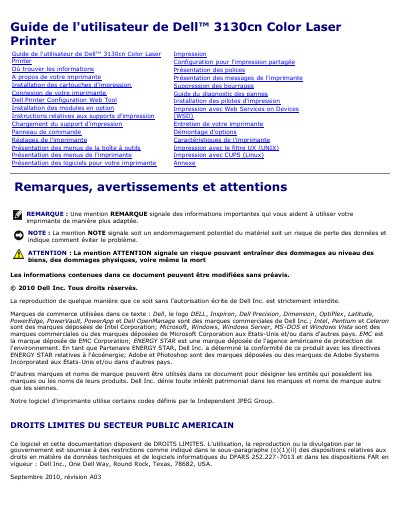
The Dell 3130cn Color Laser Printer User's Guide explains how to set up, operate, and maintain the printer. It covers installing print cartridges, connecting the printer, using the Dell Printer Configuration Web Tool, installing optional modules, loading print media, and working with the control panel and printer menus.
The guide also covers printing and shared printing, fonts and printer messages, clearing jams, troubleshooting, installing printer drivers, WSD printing, maintenance, removing options, printer specifications, and UNIX/Linux printing with the UX filter and CUPS. This manual is written in French.
| Maximum input trays | Up to 3 (Tray 1, 550-sheet feeder, and MPF) |
|---|---|
| Optional paper feeder | 550-sheet feeder |
| Optional duplex unit | Duplex module |
| Optional memory | 512 MB or 1024 MB |
| Optional network protocol adapter | Available |
| Optional wireless printer adapter | Available |
The printer can hold up to three trays: Tray 1, the optional 550-sheet feeder, and the MPF.
Shake the print cartridge 5 or 6 times to distribute the toner evenly.
The slots are black, cyan, magenta, and yellow from top to bottom.
They are located on the inside of the front cover and on the outside of the control board cover.