
Dell OptiPlex 330 User's Guide Mini Tower Computer Desktop Computer is a computer product launched by Dell. It has the following features: 1. LegacySelect Technology Control; 2. Manageability; 3. Dell OpenManage IT Assistant; 4. Power Management.
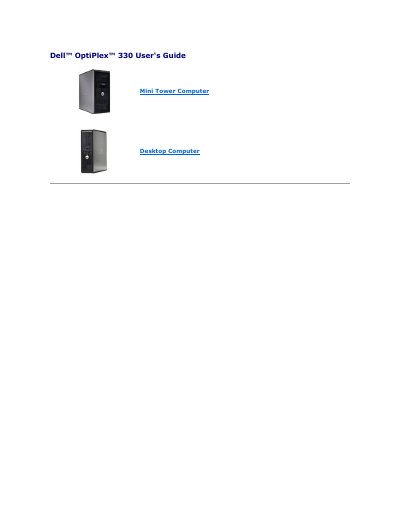
The Dell OptiPlex 330 user's guide covers advanced features, including LegacySelect technology control, Dell OpenManage manageability, and power management settings. It also includes an appendix with the FCC notice.
Procedures cover recommended tools, turning off the computer, working safely inside the computer, and cleaning the computer, keyboard, monitor, floppy drive, CDs, and DVDs.
| Product name | OptiPlex 330 |
|---|---|
| Model numbers | DCSM and DCNE |
| FCC classification | Class B |
It lets administrators electronically activate or deactivate connectors and media devices, including serial and USB connectors, a parallel connector, a floppy drive, PCI slots, and a PS/2 mouse.
Power is reduced or turned off for most components, including the cooling fans, while system memory remains active.
Hold the disc by its outer edge and gently wipe the bottom with a soft, lint-free cloth in a straight line from the center to the outer edge.
Press and hold the power button for about 4 seconds.