
This document describes how to set up and operate a Dell storage enclosure.
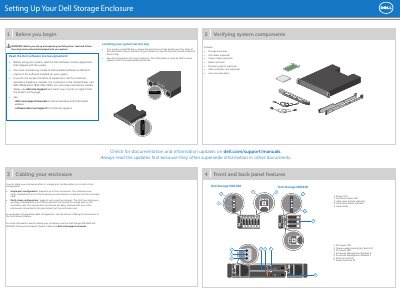
This guide explains how to set up Dell Storage MD1400 and MD1420 enclosures, including locating service tags, verifying components, and cabling configurations. It covers single-port and multi-chain setups for connecting enclosures to host servers. Safety instructions and support resources are also included.
The document provides diagrams and step-by-step instructions for connecting power and SAS cables, turning on components in the correct order, and accessing Dell’s support resources for updates and technical assistance.
SAS cables, power cables, bezel, mounting rails (2), and RAID controller card are listed as optional.
Up to four enclosures.
Up to eight enclosures.
Turn on the storage enclosure(s) first, then the host server(s).