
Inspiron 11 3000 Series Quick Start Guide.
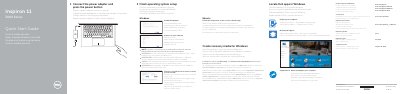
This Dell Inspiron 11 3000 Series Quick Start Guide helps you set up your notebook. Connect the power adapter and press the power button, then finish operating system setup, enable Dell updates, connect to your network, and sign in to a Microsoft account or create a local account.
The guide also lists the computer's features, shortcut keys, and usage modes such as Notebook, Tablet, Tent, and Stand. It includes links to Dell product support, manuals, recovery media creation, and regulatory information.
Connect the power adapter and press the power button.
Product support and manuals are available through Dell support links.