
The Dell™ Workgroup M5200 Laser Printer is a high-performance, multifunction printer that is ideal for small offices or home offices. It features the following:
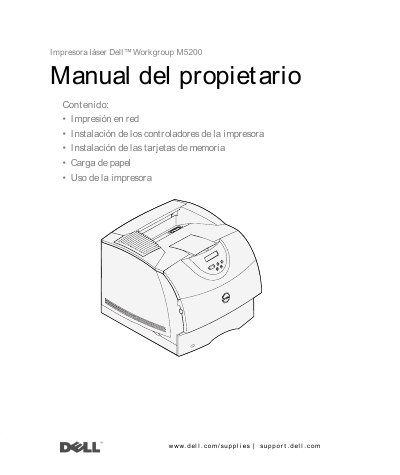
This manual provides step-by-step instructions for setting up and using the Dell M5200 laser printer. It covers network configuration, driver installation for Windows, Linux, and Novell systems, paper loading, toner replacement, and printer maintenance. Safety precautions are included for laser and electrical safety. The manual also details how to manage print jobs, monitor printer status, and troubleshoot common issues.
The guide includes regional support phone numbers for toner cartridge ordering and detailed sections for configuring the printer for local or network use, including IP address assignment and printer queue setup. This manual is written in Spanish.
Remove the used cartridge, clean the printer, and install the new cartridge following the step-by-step instructions.
The printer uses a laser and generates heat during printing. Avoid exposure to laser radiation and ensure proper ventilation to prevent harmful emissions.