
The Dell™ 1700/1700n Laser Printer User's Guide explains how to install the printer, load paper, print on a network, and explains the software.
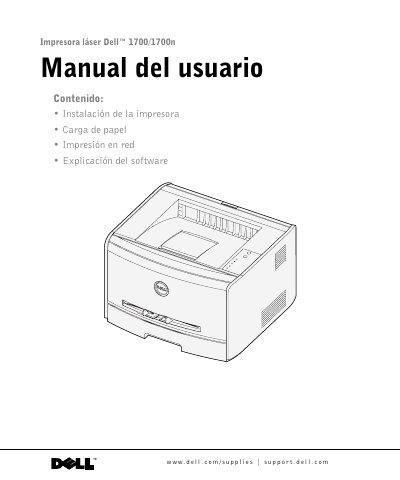
The Dell 1700/1700n Laser Printer User's Guide provides detailed instructions for setting up and operating the device. It includes guidance on hardware installation, such as optional paper trays and memory cards, as well as loading various types of print media.
The manual also covers software configuration for local printing via USB or parallel cables across multiple Windows versions, network printing setup, and troubleshooting procedures for common issues like paper jams and toner replacement. This manual is written in Spanish.
| Standard Tray Capacity | 250 sheets |
|---|---|
| Optional Tray Capacity | 550 sheets |
Click Start → Programs or All Programs → Dell Printers → Dell Laser Printer 1700 → User's Guide.
Toner cartridges are available through Dell online at www.dell.com/supplies or by telephone.