
The Dell PowerConnect W-AP93H is a dual-band wireless access point that supports the IEEE 802.11n standard for high-performance WLAN networks. This access point uses MIMO (Multiple Input Multiple Output) technology and other high-performance mode techniques to deliver the best 802.11n functionality at 2.4 GHz and 5 GHz while supporting existing 802.11a/b/g wireless services. The W-AP93H access point works only in conjunction with a Dell PowerConnect W-Series controller.
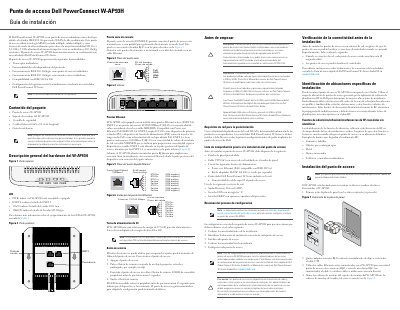
This guide provides step-by-step instructions for installing the Dell PowerConnect W-AP93H wireless access point. It covers hardware overview, connectivity verification, installation procedures, and configuration prerequisites. The device supports IEEE 802.11a/b/g/n standards and requires a Dell PowerConnect W-Series controller for operation.
The W-AP93H includes five Ethernet ports, PoE compatibility, and a console port for local management. Installation requires a pre-installed wall mount, Cat5 Ethernet cable, PoE or AC-DC adapter, and a compatible W-Series controller. The guide also addresses RF interference sources and compliance with FCC and EU regulations. This manual is written in Spanish.
| Frequency Bands | 2.4 GHz and 5 GHz |
|---|---|
| MIMO Technology | Supported |
| PoE Compatibility | IEEE 802.3af |
| Ethernet Ports | 5 ports (ENET 0-4) |
The W-AP93H functions only with a Dell PowerConnect W-Series controller.
Sources include concrete, metal, microwave ovens, and wireless phones.
ArubaOS 6.1.3 or later is required.