
This document describes how to set up Windows.
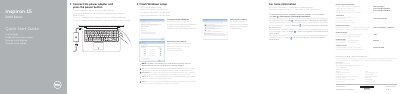
This Dell Quick Start Guide helps you set up the Inspiron 15-3558 computer, covering Windows setup, password creation, network connection, and computer protection.
It also lists product support contacts, regulatory information, and the computer's features and shortcut keys, including ports, buttons, and media functions.
| Computer model | Inspiron 15-3558 |
|---|---|
| Regulatory model | P47F |
| Regulatory type | P47F001 |
| Input voltage | 100 V CA–240 V CA |
| Frequency | 50 Hz–60 Hz |
| Input current | 1,30 A/1,60 A/1,70 A |
| Output voltage | 19,50 V CC |
| Output current | 2,31 A/3,34 A |
| Country of origin | Hecho en China |
Connect the power adapter and press the power button.
Enter the password for the wireless network when prompted.
Click Start → All Programs → Dell Help Documentation.