
The document describes the steps to set up and operate a Dell computer, including connecting the AC adapter, connecting the modem, connecting to the network, and pressing the power button.
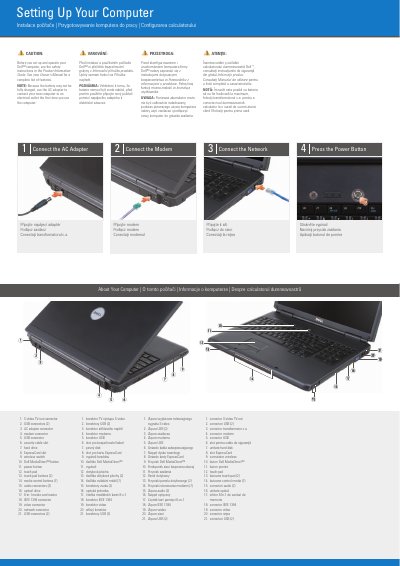
This guide helps you connect your Dell Vostro computer to power and peripherals. It includes instructions for connecting the AC adapter, modem, and network cables. The guide also explains how to set up a wireless network if desired. Safety instructions are referenced in the Product Information Guide.
For more detailed information, refer to the Owner's Manual or visit support.dell.com for online documentation and support.
See the safety instructions in the Product Information Guide.
Because the battery may not be fully charged.