
Dell S2815dn CACStar Smart Card Reader Installation and Configuration Guide

CACStar™ provides a solution to HSPD-12 requirements for CAC/PIV based protection of network data to and from printers or Multifunction Devices (MFDs). You can configure it to require an authenticated CAC/ PIV card to control Copy, Print, Fax, Scan to Folder, Scan to Email, SNMP, or FTP. Configurable authentication methods include Basic X.509 cer
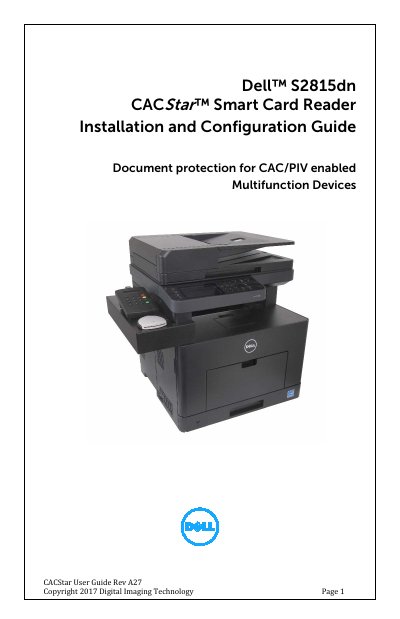

Dell S2815dn CACStar Smart Card Reader Installation and Configuration Guide - cover page
Brand
DELL
Category
Printer
Document type
User Manual
Language
English
Pages
40
File format
PDF
File size
905 KB
Published
25 November, 2023
Updated
25 November, 2023
Model
S2815dn
MD5 checksum
25251DC71FC21F6C997CA1EB7C9A5DBA

About this manual

This manual provides instructions for installing the CACStar solution on the Dell S2815dn Multifunction Device (MFD) to meet HSPD-12 requirements. It details how to configure the hardware and software to require authenticated CAC/PIV cards for controlling copy, print, fax, and scan functions. The guide explains that CACStar adopts the MFD's IP address, simplifying network configuration.

What's inside

  • Introduction
  • Initial Setup
  • Accessing the MFD/Printer Web Site
  • Admin Login
  • Connectivity
  • LAN Side Configuration
  • Local Side Configuration
  • Security
  • MFD Function Enabling
  • Email Setup

Frequently asked questions

What is the default ID for logging into CACStar?

The default ID is admin.

What is the default password for the CACStar Administrator login?

The default password is password.

How long does the Card Reader display wait for a card after initialization?

The display will say Waiting For Card for about 1 ½ minutes.

Download PDF (905 KB)

More DELL Manuals


View all DELL manuals →