
The Dell Display Manager is a Windows application used to manage a monitor or a group of monitors.
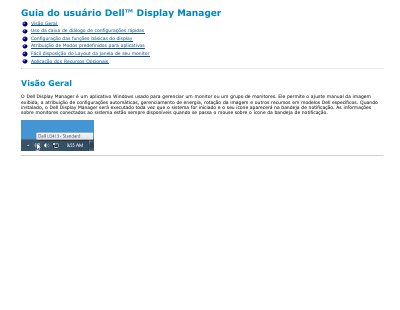
The Dell Display Manager is a Windows application designed to manage one or a group of Dell monitors. It allows users to manually adjust the displayed image, assign automatic settings, manage power, rotate the image, and access other features for specific Dell models. Once installed, the application runs automatically at system startup and is accessible via the notification tray icon. This manual is written in Portuguese.
It is used to manage a monitor or group of monitors and adjust image settings, assign automatic settings, manage power, rotate images, and other features on specific Dell models.
It runs every time the system starts, and its icon appears in the notification area.
Brightness, contrast, predefined modes, screen resolution, and window layout can be adjusted.
It automatically applies your preferred predefined mode when applications are active.