
Dell Display Manager User's Guide

Dell Display Manager is a Windows application used to manage a monitor or a group of monitors.
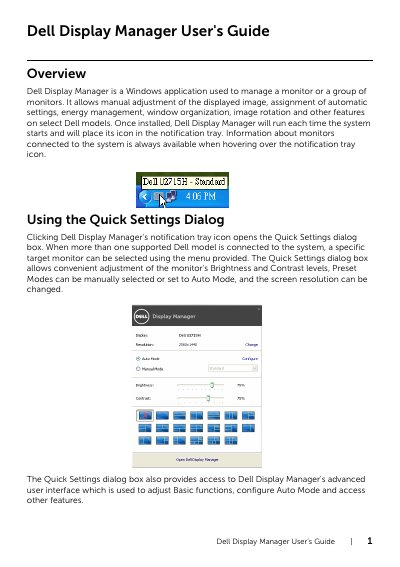

Dell Display Manager User's Guide - cover page
Brand
DELL
Category
Other Computer Accessories
Document type
User Manual
Language
English
Pages
4
File format
PDF
File size
594 KB
Published
25 November, 2023
Updated
25 November, 2023
MD5 checksum
46E49513CA2D2ADE7463D06C4D05CC95

About this manual

Dell Display Manager is a Windows application designed to manage one or more Dell monitors. It provides features for manual image adjustment, automatic setting assignments, energy management, window organization, and image rotation. Once installed, the application runs at system startup and displays an icon in the notification tray for quick access to settings.

What's inside

  • Overview
  • Quick Settings Dialog
  • Setting Basic Display Functions
  • Assigning Preset Modes to Applications
  • Easy Arrange Your Monitor Window Layout
  • Applying Energy Conservation Features

Frequently asked questions

What is Dell Display Manager used for?

It is a Windows application used to manage a monitor or a group of monitors.

How can a user add a new application to the assignment list?

The user can drag the application from the desktop, Windows Start Menu or elsewhere and drop it onto the current list.

What happens to open windows when using Easy Arrange?

Windows that are dragged into each zone will resize and position automatically.

What energy conservation options are available on supported models?

When the screensaver activates, the monitor can be put to sleep or the Brightness can be set to the minimum level.

Download PDF (594 KB)

More DELL Manuals


View all DELL manuals →