
The Dell Vostro 3267/3268 Quick Start Guide describes how to connect the keyboard and mouse, connect the network cable (optional), connect the display, connect the power cable and press the power button, and finish Windows 10.
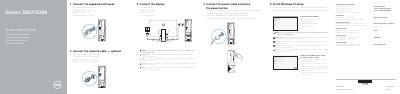
The Dell Vostro 3267/3268 Quick Start Guide provides step-by-step instructions for setting up the computer, including connecting peripherals, networking, and completing the Windows 10 installation process.
It also includes a detailed list of hardware features and ports, such as USB 2.0 and 3.0 ports, HDMI, VGA, and power connectors, to help users identify the physical components of the system.
| Operating System | Windows 10 |
|---|
Connect the display to the discrete graphics card.
Type Recovery in Windows search, click Create a recovery media, and follow the on-screen instructions.