
OptiPlex 5050 Tower Quick Start Guide
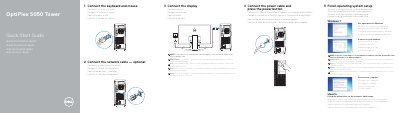
This guide helps you set up your Dell OptiPlex 5050 Tower computer. Connect peripherals like keyboard, mouse, and display, then plug in the power cable and turn it on. Follow on-screen prompts to complete operating system setup. The tower includes ports for HDMI, DisplayPort, USB, and network connectivity, as well as optional features like an optical drive and memory card reader.
OptiPlex 5050 Tower.
Enter the password for the wireless network access when prompted.